
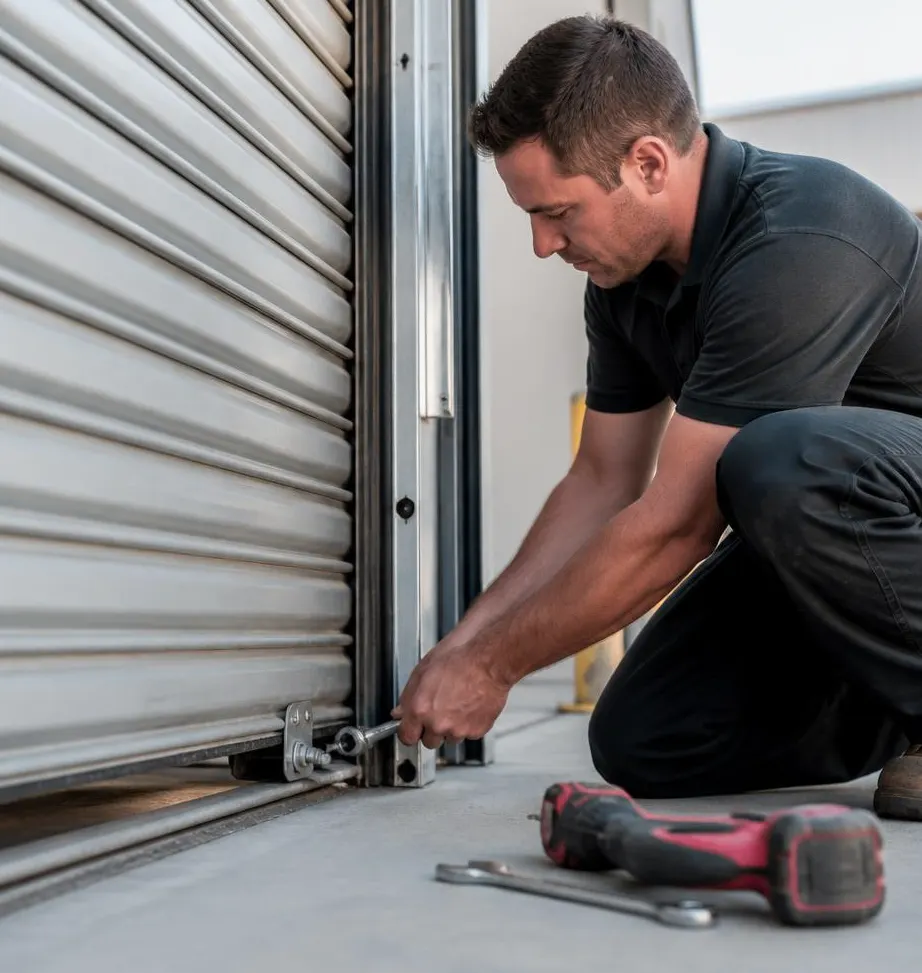
On a typical call about this in the Tamarac area, the story is usually one of three things: a family just moved into a house and has no idea how many old remotes are still floating around with access to the opener, a keypad on the side of the garage has gone unresponsive after months of humidity and heat swelling its buttons, or someone's purse or truck was broken into and the garage remote clipped to the visor went with it. In every case, the fix starts the same way — figuring out what the opener's memory currently holds and clearing it out before adding anything new.
What You'll Need Before You Start
Most residential openers from the last 15-20 years use a "learn" button system, which makes this a job most homeowners can handle without tools. Gather:
- A step stool or ladder tall enough to reach the opener unit on the ceiling
- Your opener's brand and model number (usually on a sticker on the motor housing)
- The owner's manual or the PDF version if you can find the model online
- Any remotes, keypads, or vehicle-integrated buttons (like HomeLink) you want to keep working
- Fresh batteries for the remotes, since weak batteries cause programming to fail halfway through
Step-by-Step: Programming a New Remote
- Locate the "learn" button on the motor unit — it's usually a small colored button (purple, orange, or red depending on brand) near where the antenna wire hangs down.
- Press and release the learn button. An indicator light will blink for about 30 seconds.
- While the light is blinking, press and hold the button on the new remote until the opener light flashes or you hear a click from the motor.
- Test the remote from a few feet away, then from your driveway, to confirm range.
- Repeat for each additional remote or vehicle button you're adding.
If the remote doesn't respond at all, swap the battery before assuming it's defective — older remotes sitting in a hot glovebox lose battery life faster than ones kept indoors.
Step-by-Step: Changing Your Keypad's Entry Code
- Find the keypad's program button — on wireless keypads it's usually under the battery cover; on wired keypads it corresponds to the opener's learn button.
- Enter your current code, or if you don't know it, clear all codes from the opener first (see below) and start fresh.
- Press the learn/program button on the motor unit.
- On the keypad, enter a new 4-digit (or longer) code and press enter.
- Test the new code at the garage before walking away, since a failed sync means you'll be locked out.
Choose a code that isn't your house number or a repeating pattern — it sounds obvious, but it's the single most common reason these codes get guessed.
If a Remote Is Lost or Stolen, Do This Right Away
- Clear all remote memory on the opener. Most units have a "clear all" function — hold the learn button for 6-10 seconds until the indicator light blinks a few times, wiping every remote and keypad code at once.
- Reprogram only the remotes and keypads you still physically have, following the steps above.
- Change the keypad code even if the keypad itself wasn't lost, in case the code was written down or shared.
- If the opener also connects to a smartphone app, log out of all other sessions and reset the app password.
Clearing everything and starting over takes maybe 15 minutes and is far more reliable than trying to delete a single remote from memory, which many consumer-grade openers don't support individually.
Where Homeowners Should Stop and Call a Technician
- The learn button does nothing — no light, no click. This often points to a dead circuit board, which is common after power surges during storm season.
- The keypad works intermittently even with a fresh battery — on older keypads, humidity and salt air can corrode the contacts behind the buttons, and that's a part replacement, not a reprogram.
- The opener won't hold any memory after a clear-and-reprogram attempt, which usually means the logic board needs to be reset by someone who can access the opener's internal settings.
- You suspect the opener itself was tampered with, not just a remote — that's a security issue worth having inspected rather than guessed at.
When to Call Precision Garage Door of Tamarac
If you've cleared the memory, swapped batteries, and the opener still won't accept a new remote or keypad code, it's likely an electronics issue rather than a user error — and that's where we come in. Our technicians diagnose whether it's the logic board, the antenna, or corrosion from months of South Florida humidity, and we carry replacement units for same-day Garage Door Opener Installation when a repair isn't practical. We also check remote and keypad function as part of our Garage Door Maintenance & Tune-Up service, since weak signals and failing keypads are often caught early during a routine inspection rather than after you're locked out.
If your remotes, keypad, or opener memory are giving you trouble, call Precision Garage Door of Tamarac — we're a local garage door company serving Tamarac, FL and the surrounding area, and we can usually get a technician out the same week to sort it out properly.